llmfit: How to Choose the Right Local LLM for Your Hardware
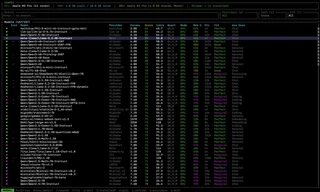 llmfit terminal interface ranking local LLMs by hardware fit and performance
Running large language models (LLMs) locally is becoming increasingly popular among developers, researchers, and AI enthusiasts. But one common question always comes up: Which LLM will actually run well on my machine?
With so many open-source models available, from 7B and 13B to 70B, MoE architectures, and multiple quantization levels, choosing the right model for your RAM, CPU, and GPU can be confusing. That is where llmfit comes in.
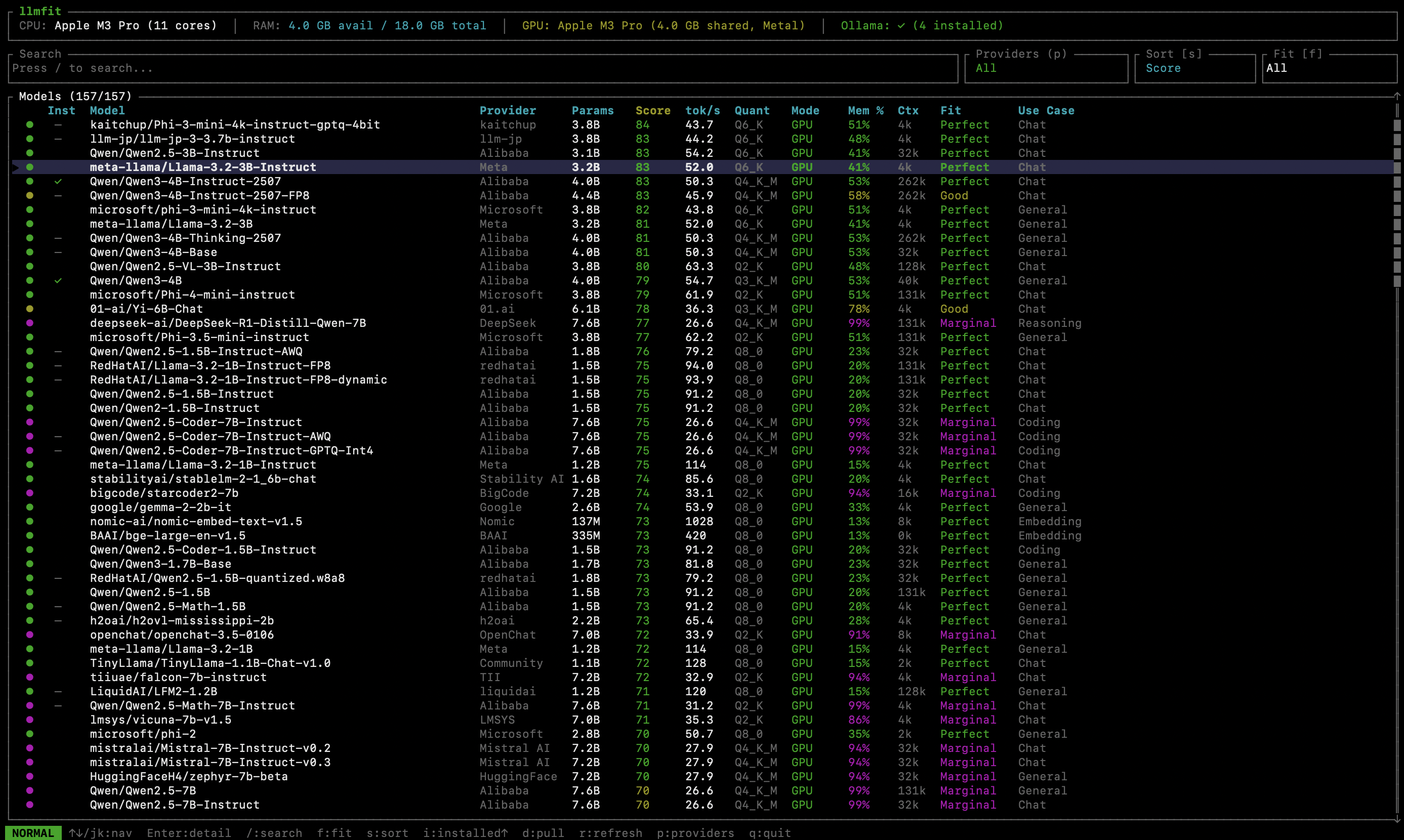
llmfit in action: hardware-aware ranking of compatible local LLMs.
What Is llmfit?
llmfit is a command-line tool designed to help users choose the best local LLM for their hardware setup. It detects CPU, RAM, and GPU resources, then ranks compatible large language models based on performance, memory fit, and practical usability.
Instead of trial-and-error model downloads, llmfit provides recommendations tailored to your machine.
GitHub repository: AlexsJones/llmfit
Why Choosing the Right Local LLM Matters
Selecting an incompatible model can lead to:
- Out-of-memory errors
- Extremely slow inference speeds
- Failed installations
- Wasted time downloading large model files
llmfit reduces this friction by filtering and scoring models that realistically match your hardware limits.
Who Should Use llmfit?
llmfit is useful for:
- Developers running local AI models
- Researchers experimenting with open-source LLMs
- Startups building AI products
- Anyone exploring self-hosted language models
As the open-source large language model ecosystem expands, tools like llmfit make local AI deployment simpler, faster, and more reliable.
Key Terms
- llmfit
- local LLM
- open-source large language models
- LLM hardware requirements
- run LLM locally
- choose LLM for GPU
- AI model selection tool